Helldivers 2 mods after hotfix 7.2.3: which ones work again, and how to reinstall them without breaking the game
Hotfix 7.2.3 unblocks certain cosmetic mods that Easy Anti-Cheat knocked out on PC. Gameplay mods are still a ban risk. Here's what's allowed and the clean order to bring your mods back.
Rene Sjeverac
Thursday, November 12, 2026
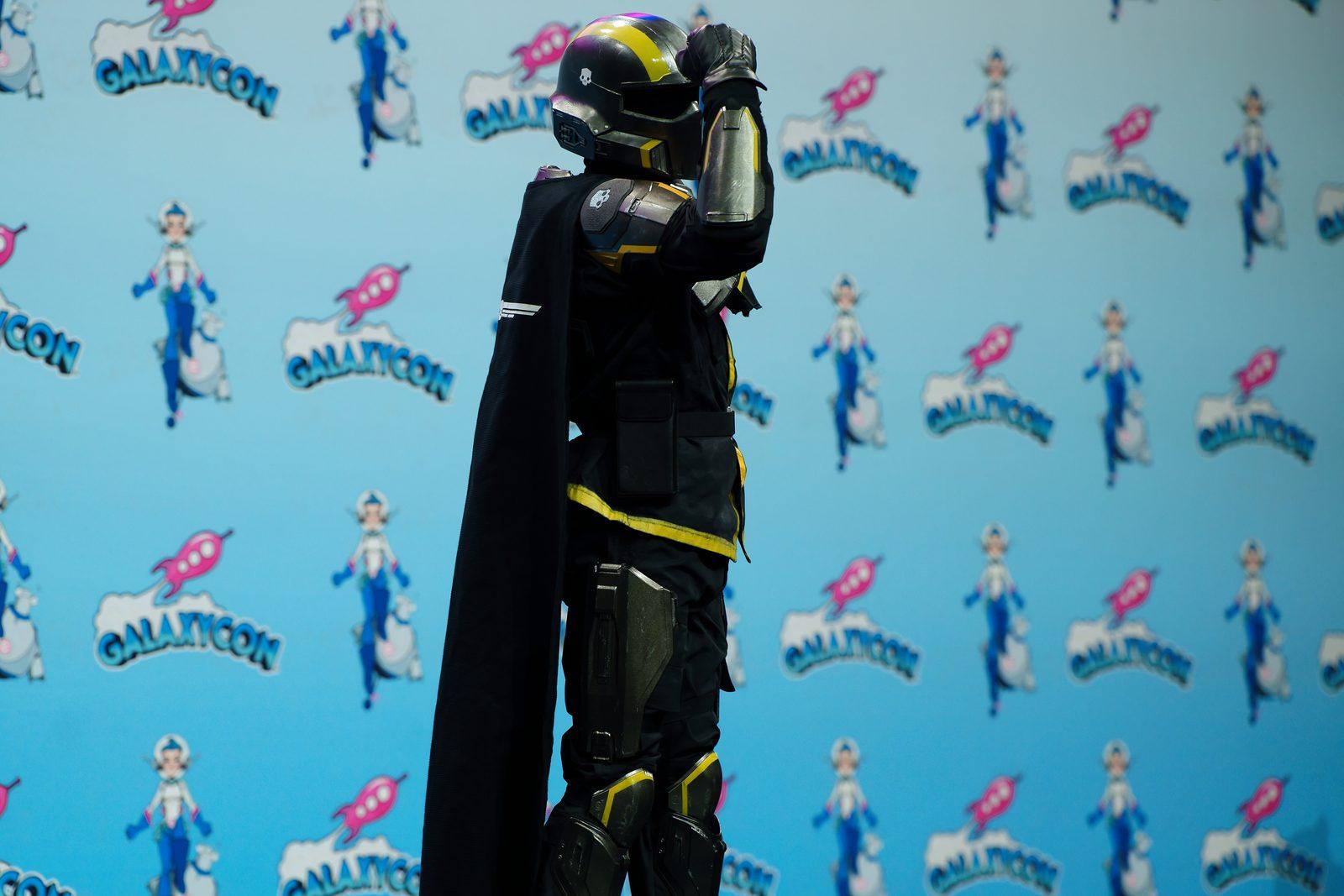
Three weeks. That's how long a chunk of Helldivers 2's PC players sat with broken armor recolors and dead UI tweaks after Arrowhead swapped nProtect GameGuard for Easy Anti-Cheat in update 7.2.0 on October 20. The Steam reviews took the predictable beating. On November 11 the studio shipped hotfix 7.2.3 (1.007.203 in the patch notes), and in between the crash fixes sits the one PC line that matters here: it fixes an issue that stopped certain cosmetic mods from working.
Note the word "certain". This is not an amnesty.
What works now, and what still doesn't
Texture and model swaps, the stuff only you can see, are the category Arrowhead has said from day one it has no problem with. The hotfix is aimed at the ones the new anti-cheat was blocking anyway. Some will still need an update from their author, so if a mod is dead after the patch, check its page before you blame the game.
Anything that touches game code or memory is still out. Arrowhead's position in its November dev blog is blunt: from the anti-cheat's side that kind of change looks the same as cheating, and it can crash the lobby for everyone in it. Accounts running gameplay mods can be banned. Mods remain officially unsupported, and the studio won't tell you whether a specific one is safe. That call is yours.
I'm fine with where the line is, honestly. In a co-op game with a shared Galactic War I'd rather have an anti-cheat that works than GameGuard, which Arrowhead itself admitted wasn't doing the job. What I'm not fine with is three weeks of harmless recolors as collateral damage. That should have been caught before 7.2.0 went out, not after the review score dropped.
How to bring your mods back without wrecking the install
Arrowhead's recommended order is the same method I'd use on any config problem: change one variable at a time.
First, if you had mods installed before the switch, reinstall the game. Leftover files from old mods are a known cause of launch crashes, and that includes remnants of ReShade and OptiScaler. If you use a mod manager, run its purge function before you uninstall.
Second, verify the game files in Steam (Properties, then Installed Files).
Third, launch the clean game and confirm it actually runs.
Only then add cosmetic mods one at a time, checking after each one. Slow, yes. But when something breaks you know exactly which mod did it, instead of staring at a folder of thirty.
If the game refuses to start with error 0xc0000142, restart the PC and verify the files again before you try anything else.
The same hotfix also fixes a PC crash on exit and a boot crash tied to Windows write-permission problems, so a clean install today should behave better than one from last week. The next big update is due in early December, and that's the real test. If cosmetics fall over again every time the game gets a major patch, nobody will bother keeping a mod list, and the mod authors' pages will tell you that faster than any patch notes.
Image: John Manard / CC BY-SA 2.0, source: https://commons.wikimedia.org/wiki/File:Helldivers_Cosplayer_at_GalaxyCon_San_Jose_2024_-_03.jpg