Switch 2 Finally Gets VRR on Your TV, Plus a Few Sweet Surprises in Update 23.0.0
Nintendo's latest Switch 2 firmware turns on variable refresh rate in TV mode, adds Switch 2-to-Switch 2 system transfers and slips music into the Mii editor. Here's what changed and who it helps.

Ana Horvat
Thursday, September 10, 2026
Finally. That was my entire first reaction to Switch 2 system update 23.0.0, and a day later I stand by it.
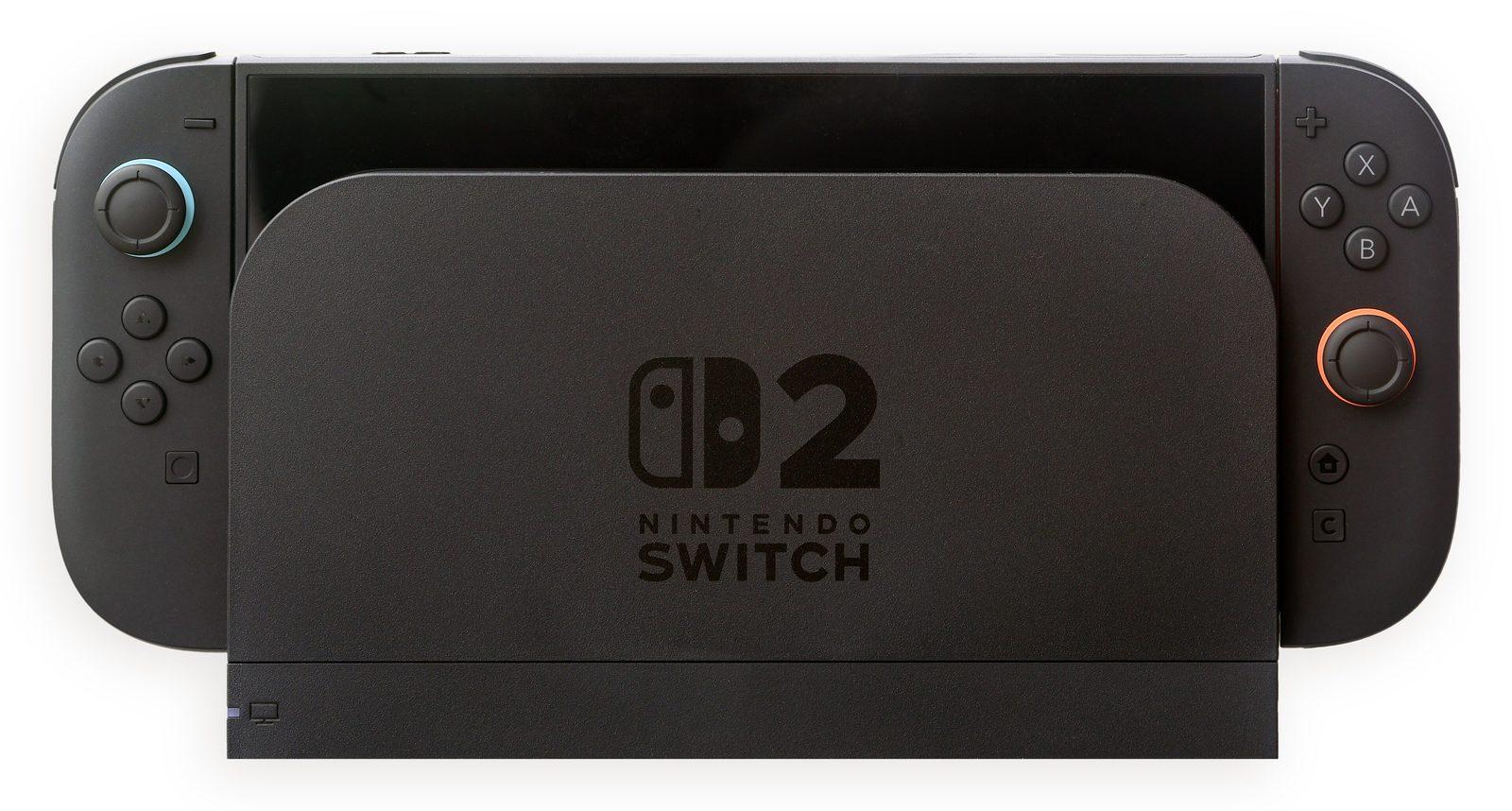
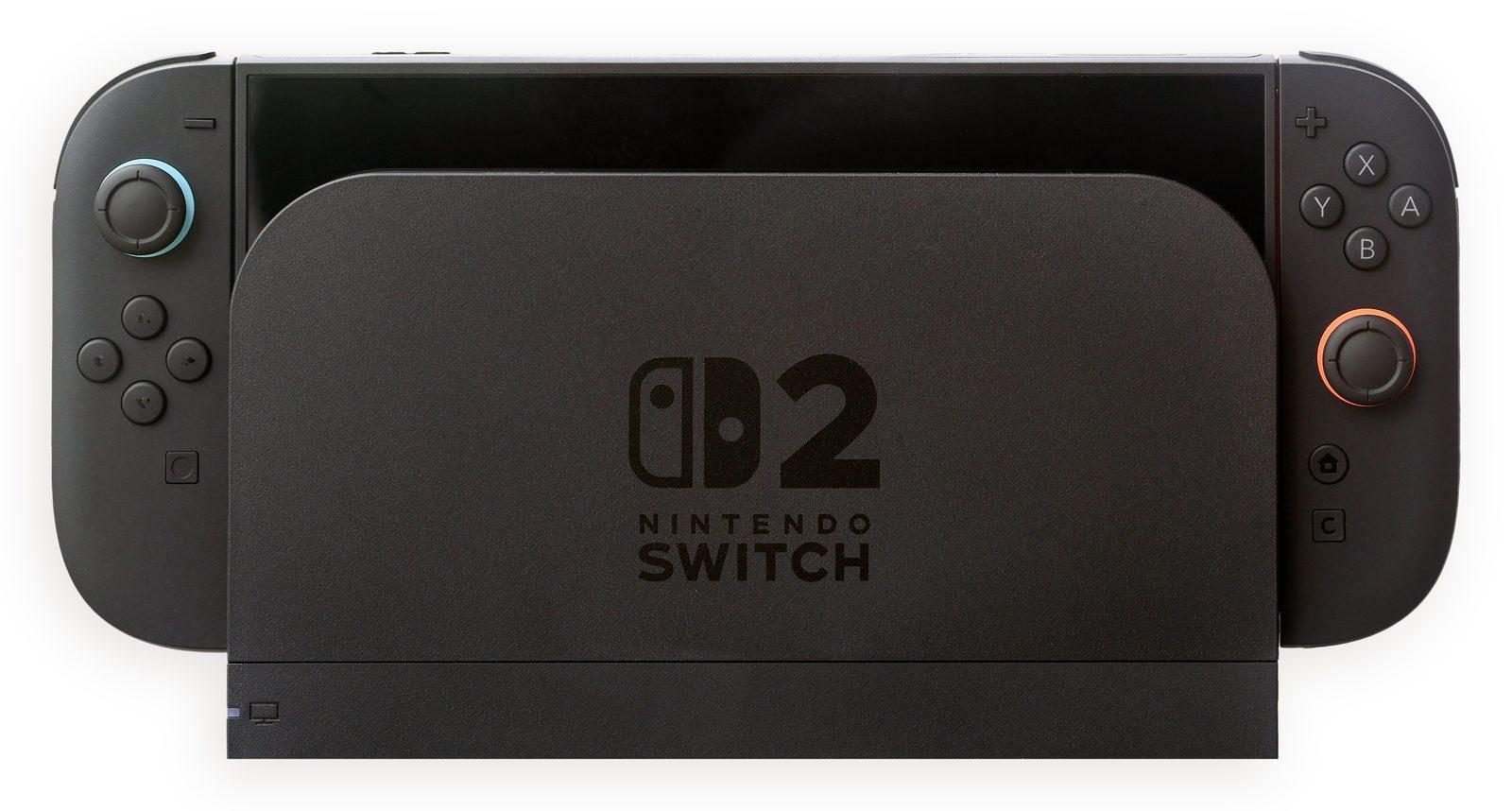
Ever since launch, variable refresh rate on the Switch 2 has been a handheld-only perk. Play on the built-in screen and the display could keep pace with whatever the game was doing; slot the console into the dock and you lost it. As of this update, which landed in the same busy week as the latest Nintendo Direct, VRR works in TV mode too.
A few caveats before you rush to the living room. Your TV needs to support VRR, and so does the game. When both line up, the console adjusts the refresh rate to match how the software is actually performing, which is what smooths over those little hitches when a game dips below its target. The dock also needs its own update before the feature switches on, so if you can't find the option, check that first.
And because this is Nintendo, the explanation comes with a toy. Welcome Tour got a 1.1.0 patch so its VRR Slider demo can now be played docked, which means you can actually see the difference instead of taking a settings menu's word for it. I love that they keep doing this.
Here's the thing, though: I suspect the feature more families will quietly lean on is system transfer from one Switch 2 to another. If a console breaks, or you're buying a new one and handing the old one down to a younger sibling, you can now move your data over instead of piecing everything back together. Play activity also combines your time across multiple systems now, so your history doesn't split in two the moment you change consoles.
Then there's a pile of small, thoughtful stuff. Handheld Mode Boost can be switched on and off from Quick Settings, and while it's on you can use other controllers even with the Joy-Con 2 still attached. GameChat now lists chats you've joined before, lets you start a chat without inviting anyone first, and has a screen size option. Audio settings can be saved separately for each TV you connect to, Brazilian Portuguese joins text-to-speech and GameChat speech-to-text, and the original Switch gets a firmware bump too, with a new Virtual Game Cards setting on the HOME Menu for managing which consoles can use them.
But the one that made me grin is the Mii editor. It has background music now - tracks from the Wii, 3DS and Wii U - and you can share your creations with QR codes. I spent more rainy afternoons than I'd like to admit making Miis of every single person I knew to that Wii tune, so hearing it on a brand-new console hit me harder than any refresh-rate slider ever could.
Image: Crisco 1492 / CC BY-SA 4.0, source: https://commons.wikimedia.org/wiki/File:Nintendo_Switch_2_in_Docking_Console.jpg