Xbox now lets your phone be the controller on a smart TV - here's how it works and why it may not work here
Xbox is testing a way to play cloud games on smart TVs with nothing but your phone: scan a QR code, controls open in the browser. Setup takes a minute - but the preview only rolls out where Xbox Cloud Gaming officially exists, and that list has a gap right where we live.
Jakov Mikelić
Sunday, November 8, 2026
Picture this: you're at your parents' place, their TV has the Xbox app, you have Game Pass, and the only controller is 200 kilometres away in your own flat. Until this week that meant no gaming. Now Xbox says your phone is enough.
The feature went live on 4 November as a preview on Xbox Wire. The idea is simple. You open the Xbox app on a supported smart TV, start a cloud game with no controller connected, and the TV offers to let you use your phone for that session. Scan the QR code on screen, and the controls open in your phone's browser. No app to install, Android or iOS both work, and Xbox says some games get controls tailored to them rather than a generic virtual pad.
To see the option at all, you first have to switch on Preview Features under Settings > Account in the TV app. Then launch a game without a controller and the prompt should appear.
I'll be honest about what this is good for. Touch controls on a phone are fine for menus, turn-based games, point-and-click stuff and anything slow. They're not how you want to play a shooter or a racer. The real value is lower: it lets someone try cloud gaming on their TV before spending 60 euros on a controller, and it saves the evening when the controller's battery dies and nobody has AA batteries. That's a legitimately useful thing. Just don't read it as "you don't need a controller anymore".
The part that matters in our region
Xbox says the phone preview is rolling out on supported TVs "in countries where Xbox Cloud Gaming is available". That sentence is the whole story for us. Xbox Cloud Gaming is officially available in 29 countries. Austria, Hungary, Slovakia, Czechia, Italy and Germany are on the list. Croatia, Slovenia and Serbia are not.
In practice that means the Xbox app on a Samsung or LG TV bought here will show you the preview toggle only if your account and service region are somewhere the cloud actually works. People in our region have been using workarounds for years, but I'm not going to pretend an officially unsupported setup is a feature. If you're on a domestic account, expect to see nothing new - and don't buy a TV on the strength of this.
The second preview from the same announcement is the more interesting one technically, and it's even further from us: the new Xbox Nano Controller can connect over Wi-Fi straight to the cloud server running your game, skipping the TV's Bluetooth entirely. Xbox says this should cut input latency, though it gives no numbers. For now that's US-only, set up through the Xbox beta app on Android or the Xbox Accessories app on PC with Insider enrollment.
So the honest summary: good idea, one-minute setup, works with the phone you already own - in Vienna or Budapest. Here, it's a preview of a preview until Microsoft finally adds the region to the cloud map, something it has not promised.
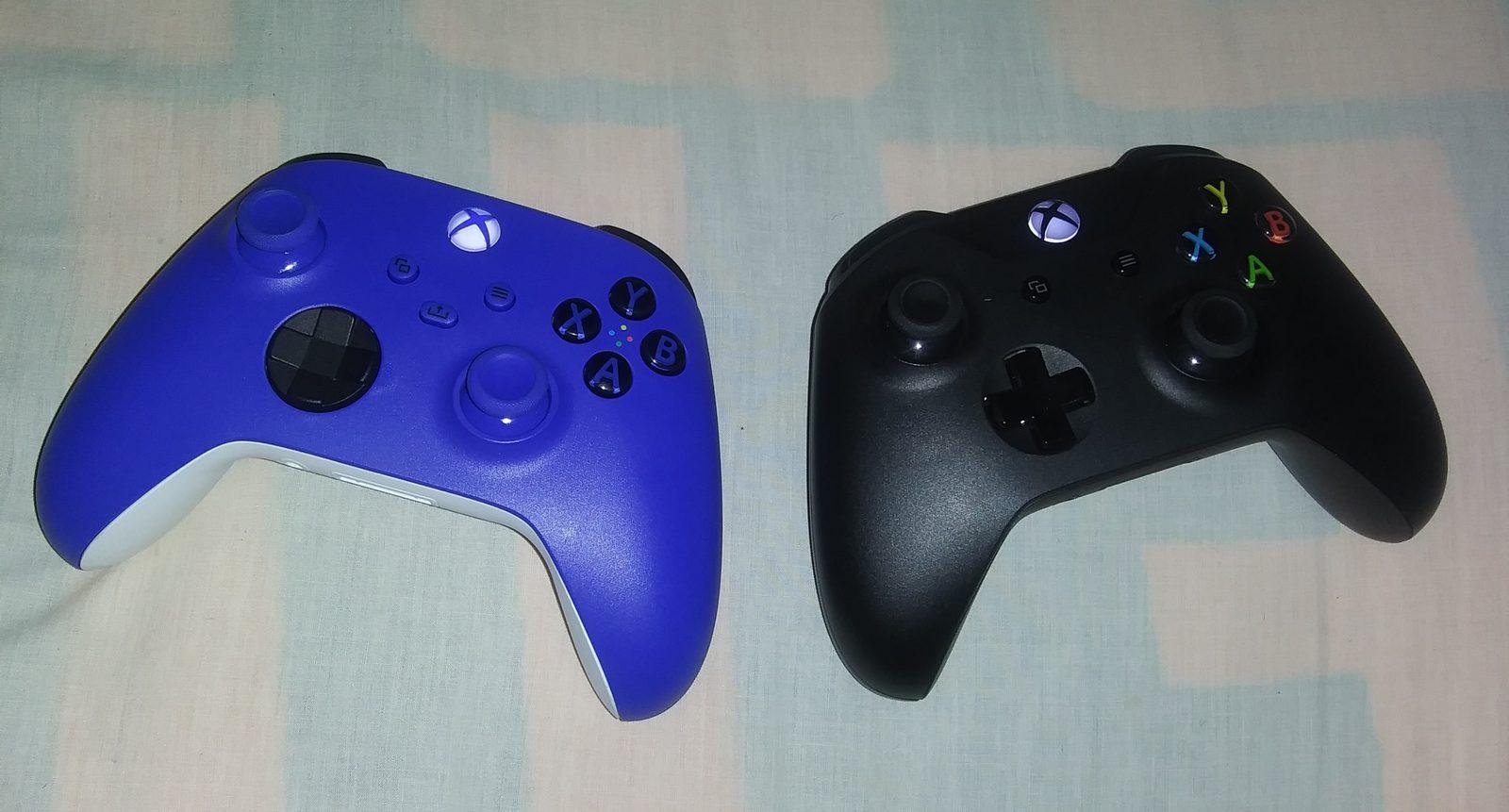
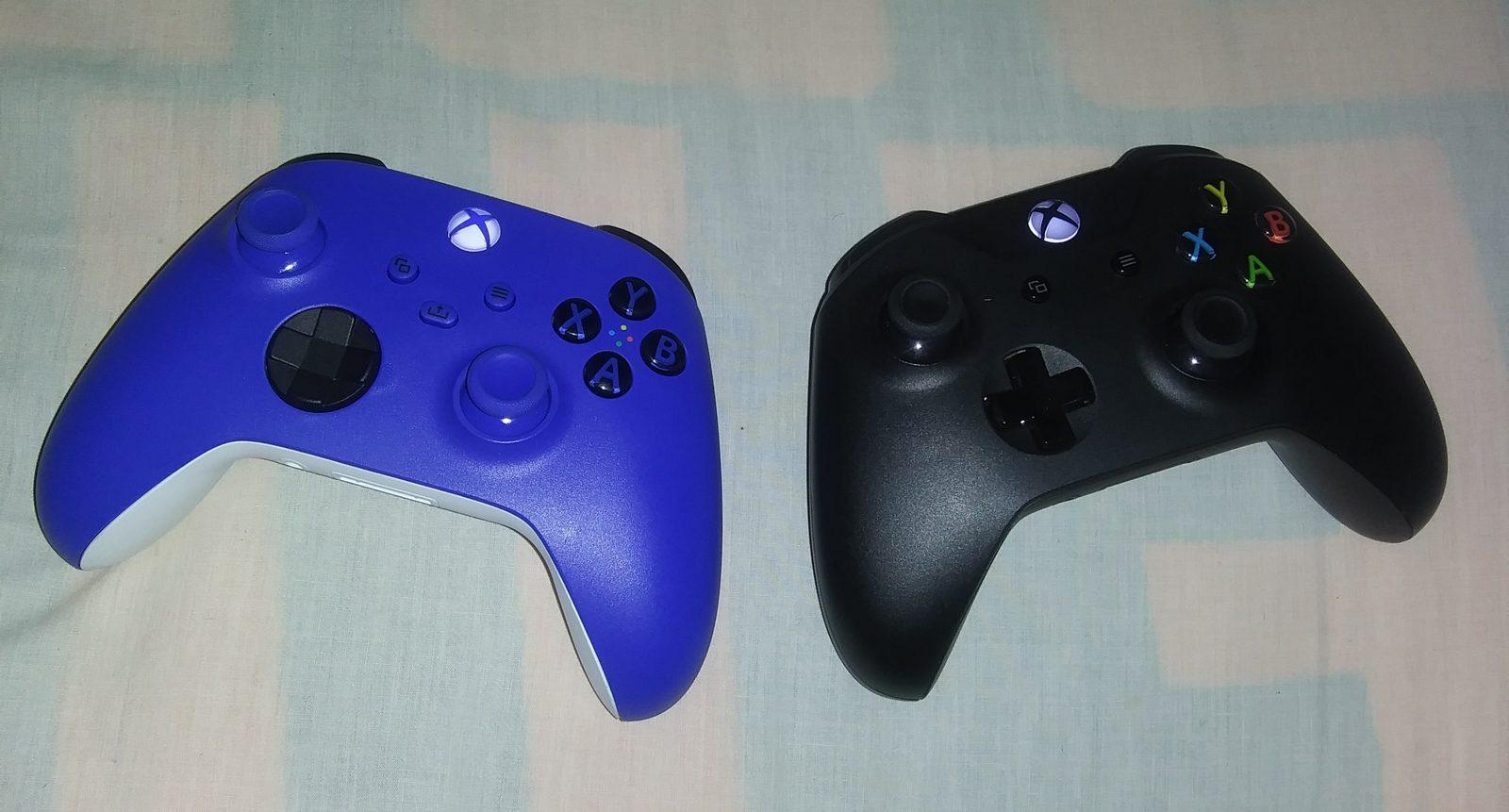
Image: AlexZade / CC BY-SA 4.0, source: https://commons.wikimedia.org/wiki/File:Xbox_Wireless_Controllers_(Xbox_Series_X_Blue_Controller,_Xbox_One_X_Black_Controller).jpg