Your Old Switch microSD Won't Save Switch 2 Games - What to Buy Before Black Friday
The Switch 2 only stores games on microSD Express cards, and the 256GB inside fills up fast. A US deal on SanDisk's 512GB card and a summer price in Germany show what a fair price looks like - here's what to check before you buy.

Ana Horvat
Friday, November 6, 2026
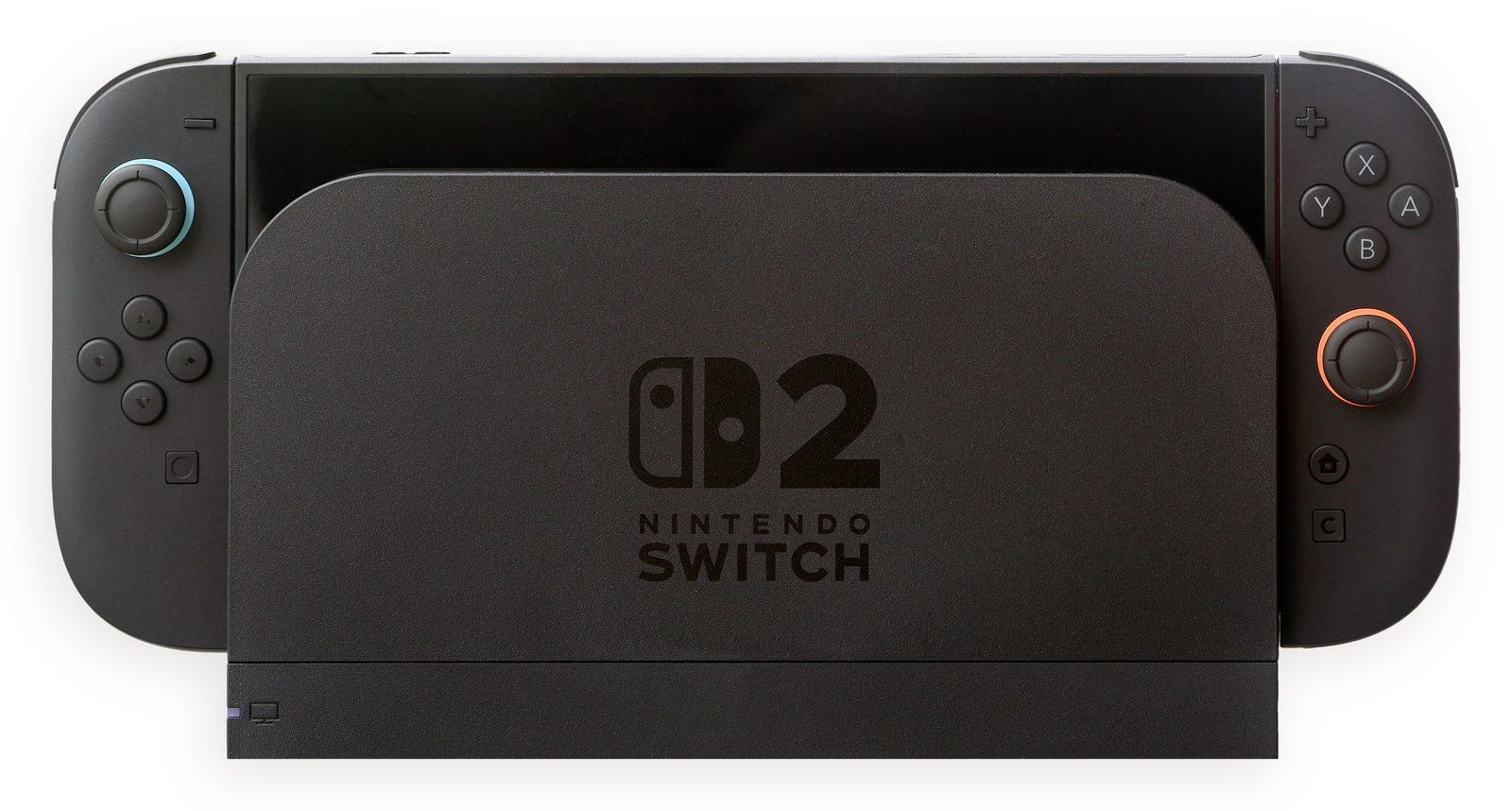
The obvious move when your Switch 2 says "not enough space" is to dig out the microSD card from your old Switch. It goes in. It won't help. If that was your plan for the holidays, let me save you the disappointment.
The Switch 2 only saves game data to microSD Express cards. The standard microSD card that served you well on the original Switch can still hold screenshots and videos on the new console, according to Nintendo's own support pages, but it won't store your games. So that drawer full of old cards isn't the answer.
Why this matters right now
The console ships with 256GB of storage, and with big third-party games landing on it, that space goes faster than you'd expect. Express cards also aren't cheap, which is why Black Friday is the moment to look.
One early example from the US: when IGN reported it, the official Newegg store on AliExpress was offering the SanDisk 512GB microSD Express card for $81.05 to new customers with a $20 coupon, and $91.05 to existing customers. It was billed as a limited-time offer, so I can't promise it's still running when you read this. Pair 512GB with the built-in 256GB and you've tripled your total storage. That deal ships within the States, so most of us in Europe can't grab it anyway.
For a European yardstick: back in July, deal site mydealz spotted SanDisk's 512GB GamePlay microSD Express card at MediaMarkt Germany for €70.40 with a free MyMediaMarkt account (€88 without logging in). That was a summer promotion, not today's price, and I couldn't find a reliable current EU listing to point you to. Still, if a 512GB Express card is being sold to you this month for well above that, it's worth checking a price comparison site before you pay.
A quick checklist before you pay
Look for the word "Express" on the packaging - not just a microSD logo or a speed class. Buy from a seller that's an authorized reseller, because memory cards are a favourite target for fakes. Nintendo says cards up to 2TB are supported, so you've got headroom if you're a big downloader. And the first time you insert an Express card, the console needs a system update over the internet, so don't plan to set it up somewhere offline.
If you fill a card later, starting with 512GB isn't a dead end. Nintendo's support page "How to Transfer Data Between microSD Express Cards for Use on Nintendo Switch 2" walks you through copying everything to a bigger card - but you'll need a computer and a microSD card reader, Nintendo notes it may not copy correctly outside Windows (on a Mac, for example), and some software may need to be redownloaded from the eShop afterwards.
Flash memory prices have been bouncing around all year, so I wouldn't count on a dramatically better offer later in November. For families sharing one console between kids, honestly, a card like this might be the most useful gift under the tree - fewer tears when it's time to delete someone's favourite game to make room.
Image: Crisco 1492 / CC BY-SA 4.0, source: https://commons.wikimedia.org/wiki/File:Nintendo_Switch_2_in_Docking_Console.jpg