Steam Next Fest has 8,000+ demos and one week: how to find the good ones before they vanish
Steam Next Fest runs October 19-26 with more than 8,000 free demos, and a growing pile of low-effort AI shovelware. Here's how to filter it fast, test performance properly and not lose the demos you actually liked.
Rene Sjeverac
Monday, October 19, 2026
Eight thousand demos. Seven days. Do the maths: if you spent a full week doing nothing but Next Fest, sleep included, you'd get about 75 seconds per demo. That's not a festival, that's a firehose, and PC Gamer's weekly Steam roundup points out the obvious problem - a growing chunk of that list is cheap, vibe-coded AI filler built to farm wishlists.
So here's the plan I'm using this week, because I'd rather spend my evenings on three great demos than forty bad ones.
The window
Next Fest October 2026 runs from October 19 to October 26, starting and ending at 10am Pacific. For us in Central Europe that's 19:00 today, and 18:00 next Monday - Europe drops summer time on October 25, the US doesn't, so the close comes an hour earlier on your clock than the open did. Don't plan a last-minute session for Monday evening.
The catch that bites people every single fest: a demo being on Steam during Next Fest doesn't mean it stays there. Developers can pull demos when the event ends, and plenty do. If something grabs you, finish it this week, not "sometime".
Filter like you mean it
Never scroll the front page. Open the Next Fest hub and go straight to the genre and tag filters - pick the two or three genres you actually play and ignore everything else. 8,000 becomes a few hundred very quickly.
Then do the slop check before you hit download. Steam store pages have an AI-generated content disclosure section where developers have to say how they used generative AI. It's not a perfect filter - disclosure relies on honesty - but a page with AI-generated art, AI copy, a handful of screenshots and no gameplay trailer is telling you everything you need to know. Real devs show their game moving.
Use the ignore button aggressively. Every demo you ignore stops cluttering your recommendations for the rest of the fest, which makes the algorithm noticeably less dumb by Wednesday.
Test it like a competitor, not a tourist
This is the part people skip, and it's the whole point of a demo for anyone who cares about how a game runs. A demo is the only free benchmark you'll get before launch. Turn on Steam's built-in performance overlay (or whatever frame-time tool you trust), play a busy scene and watch the 1% lows, not the average. A smooth 140 fps average that stutters every time an effect fires is a red flag that rarely gets fixed in the final months.
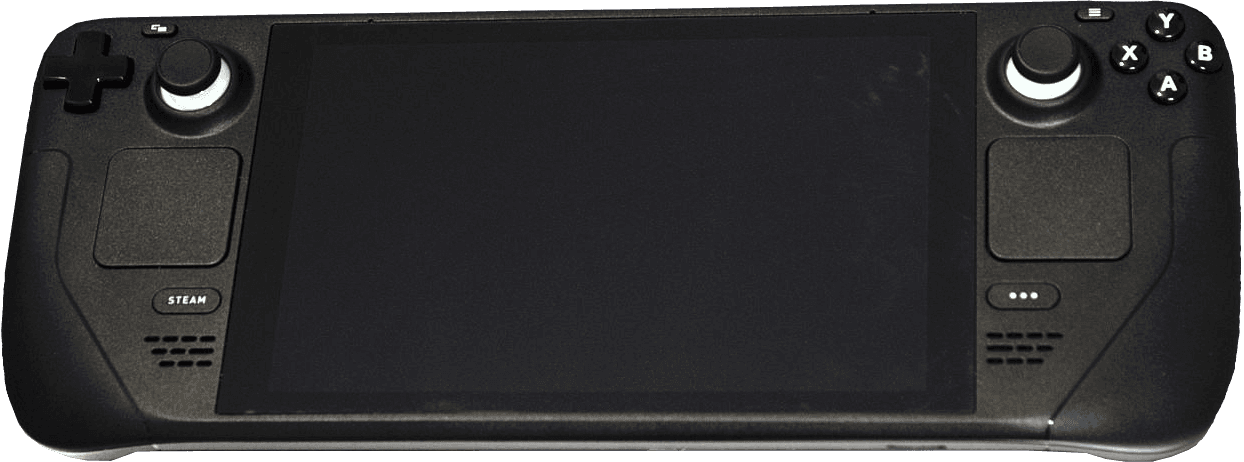
Check input feel too - menu frame caps, forced V-Sync, mouse acceleration you can't turn off. If a shooter or action game ships its demo with those, ask on the forum whether it's being fixed before you wishlist. On a Steam Deck, look at the compatibility rating and try it anyway; demos are a great way to find out before you pay.
And wishlist only what survives all that. Wishlists are the main currency indie devs have, so spending yours on the honest, playable stuff is the most useful thing you can do as a player this week. The vibe-coded junk only works if we keep clicking on it.
Image: Liam Dawe/GamingOnLinux, PNG version by VulcanSphere / CC BY-SA 4.0, source: https://commons.wikimedia.org/wiki/File:Steam_Deck_(front).png